
AI chatbots for local businesses in 2027: a practical guide
How an AI chatbot can answer customers 24/7 and book more appointments for a local business, what it should never do, and how to set one up safely in 2027.
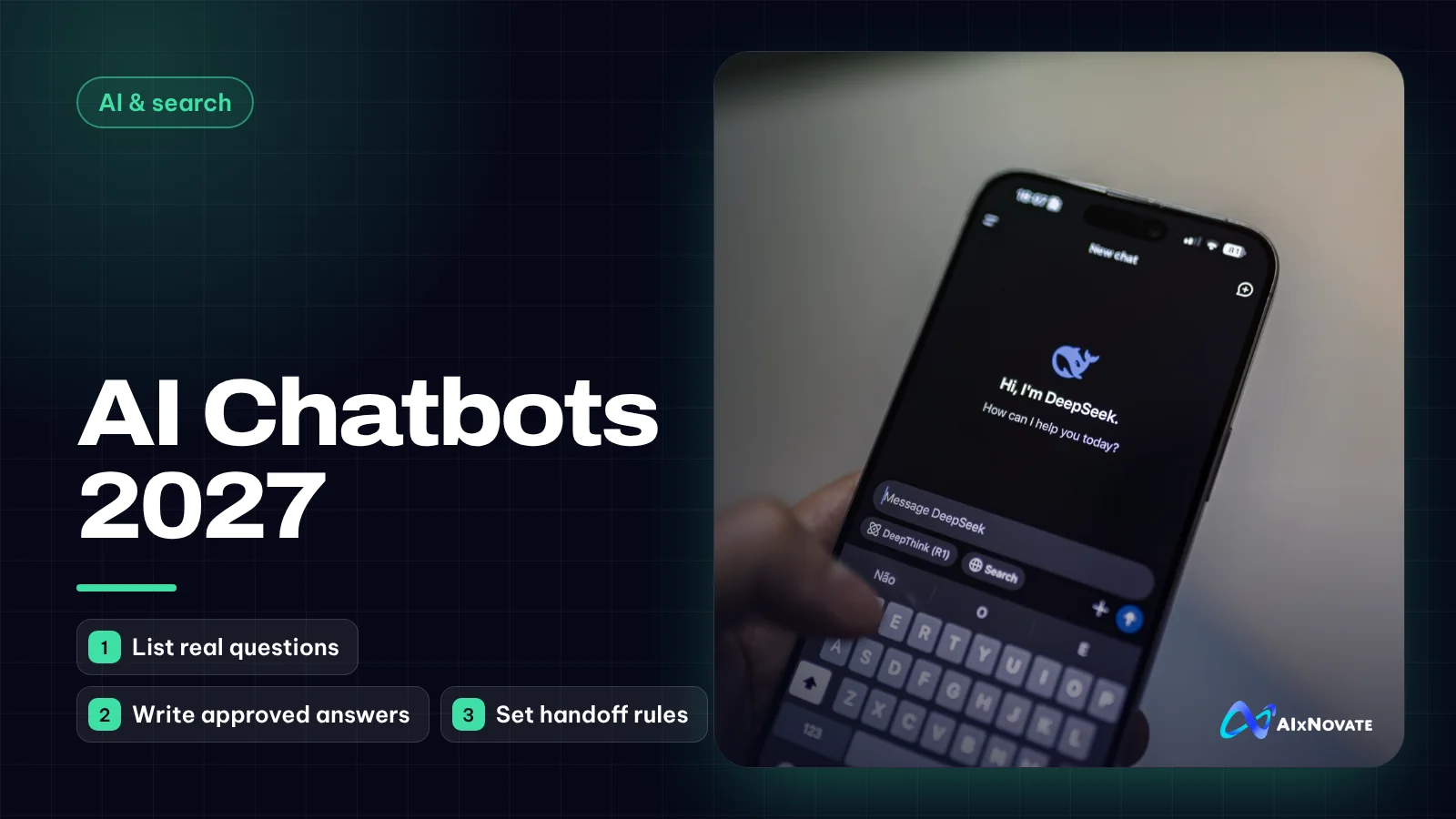
AI chatbots for local businesses can answer routine questions around the clock, collect contact details and route customers into your booking system, so fewer after-hours leads go cold. A chatbot works when it is trained only on your approved information, hands complex or sensitive conversations to a person, and is reviewed regularly for wrong answers.
This guide is for owners of salons, med spas, clinics, restaurants, contractors and service businesses who miss messages after closing time or spend hours answering the same questions. It covers what to expect from chatbots going into 2027, how to set one up, and the limits you need to respect.
What AI chatbots for local businesses can realistically do
Modern chatbots built on large language models are much better at understanding normal phrasing than the old button-menu bots. A customer can type "do you do gel removal on Sunday?" and get a sensible answer. That opens up useful jobs:
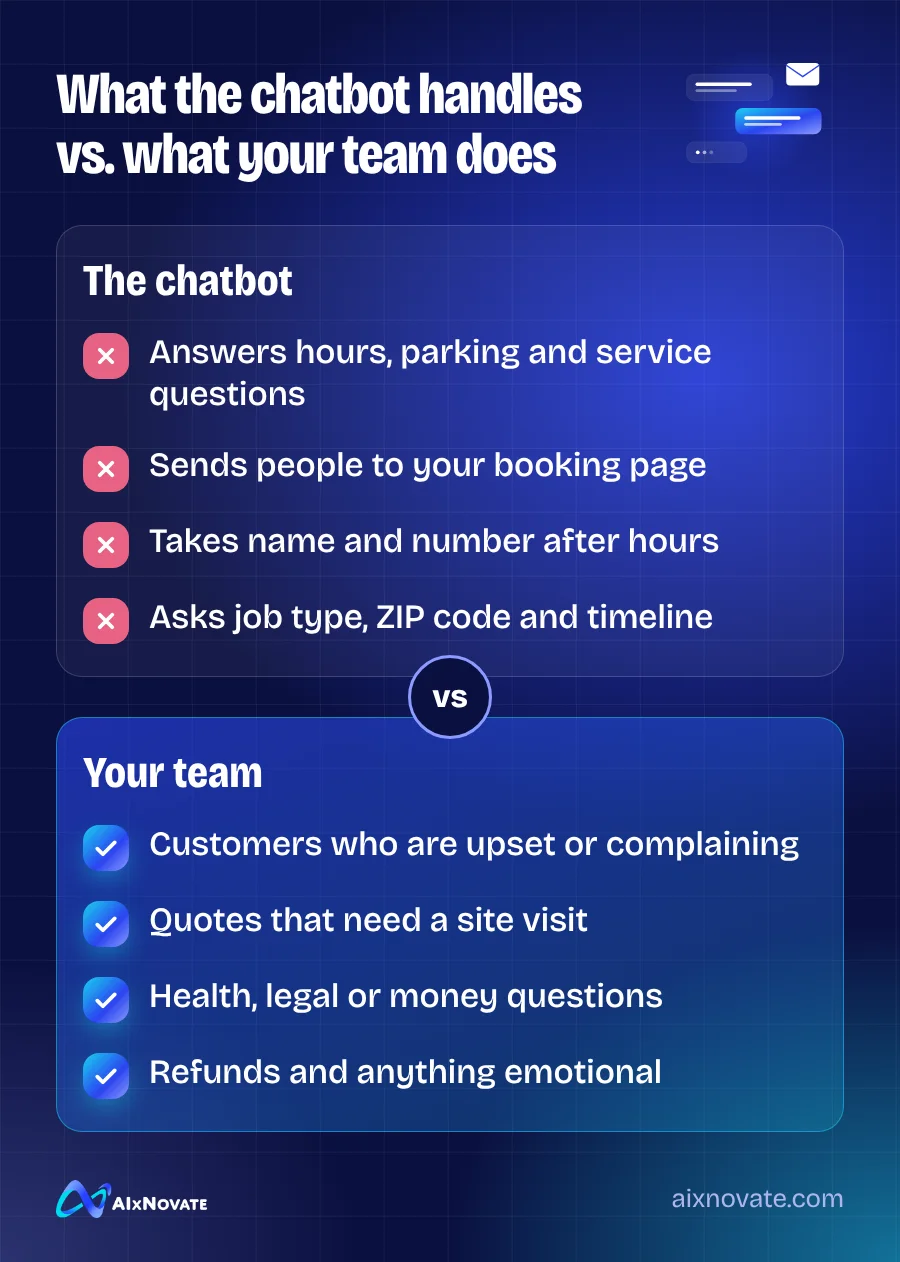
- Answer common questions about hours, location, parking, services, what to bring and how long appointments take.
- Guide people to booking by linking to your scheduler or, with the right integration, offering open times directly.
- Capture leads after hours by collecting a name, phone number and the service of interest for a callback.
- Qualify requests for contractors and professional services: job type, ZIP code, timeline.
- Answer in more than one language, with careful review, which matters a lot in Orange County.
What it cannot do is replace judgment. A bot does not know that a regular customer is upset, that a quote needs a site visit, or that a question about a skin reaction needs a licensed professional.
Where chatbots go wrong
The biggest risk is confident wrong answers. If a chatbot is allowed to draw on general internet knowledge, it may invent a price, promise a same-day appointment you cannot offer or describe a service you do not provide. Customers treat whatever the bot says as your official answer.
Other common problems:
- No exit to a human. Customers get stuck in loops and leave annoyed.
- Medical, legal or financial advice. A med spa or clinic bot should never assess symptoms or suitability for a treatment.
- Collecting more data than needed. Asking for birthdays, health history or ID numbers in a chat window creates risk without much benefit.
- Stale information. Holiday hours change, prices change, a service is discontinued, and the bot keeps saying the old thing.
What to plan for in 2027
Chatbot tools are being built into many platforms small businesses already use: website builders, booking systems, messaging inboxes and social media business tools. For 2027 planning, a few practical points follow from what is already observable:
- Expect chat everywhere. Customers may message you on your website, Facebook, Instagram, Google and text. Decide which channels you will actually monitor and automate, rather than switching on every option. For Facebook and Instagram messaging, the Meta Business Help Center explains the current automation options.
- Expect customers to arrive informed. Many will have read an AI summary of your business before they message. Your listings and website must say the same thing your bot says.
- Expect more scrutiny on privacy. As more businesses automate conversations, privacy expectations rise. Collect only what you need.
- Budget time, not just money. The subscription is the easy part. Weekly review is what keeps answers right.
Keeping your public information consistent also helps AI assistants describe you accurately, a topic we cover in how to get recommended by ChatGPT and Google AI.
How to set up a chatbot step by step
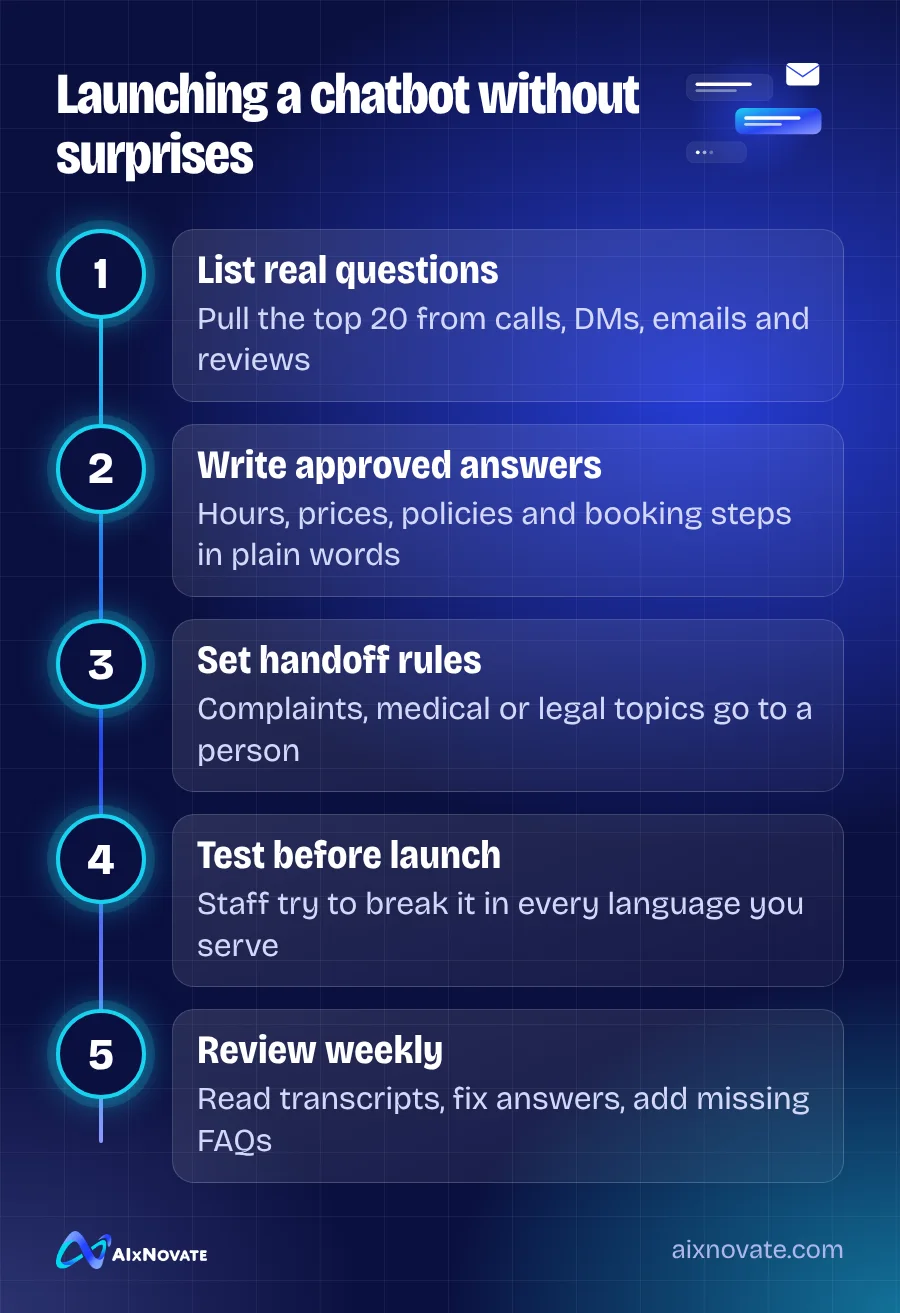
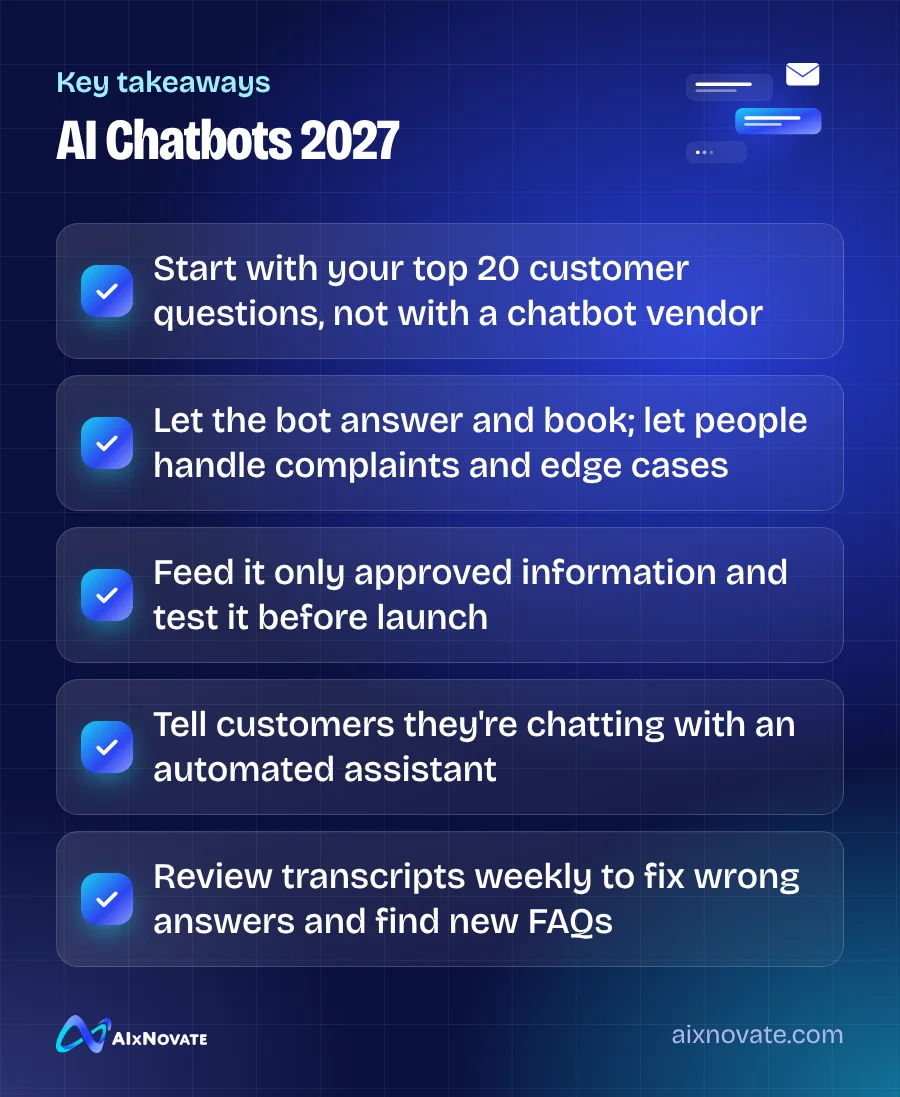
- Collect your top 20 questions. Go through a month of calls, DMs, emails and reviews. Write the questions in customers' own words.
- Write approved answers. Short, plain and accurate. Include hours, holiday rules, cancellation policy, parking, payment methods and booking steps.
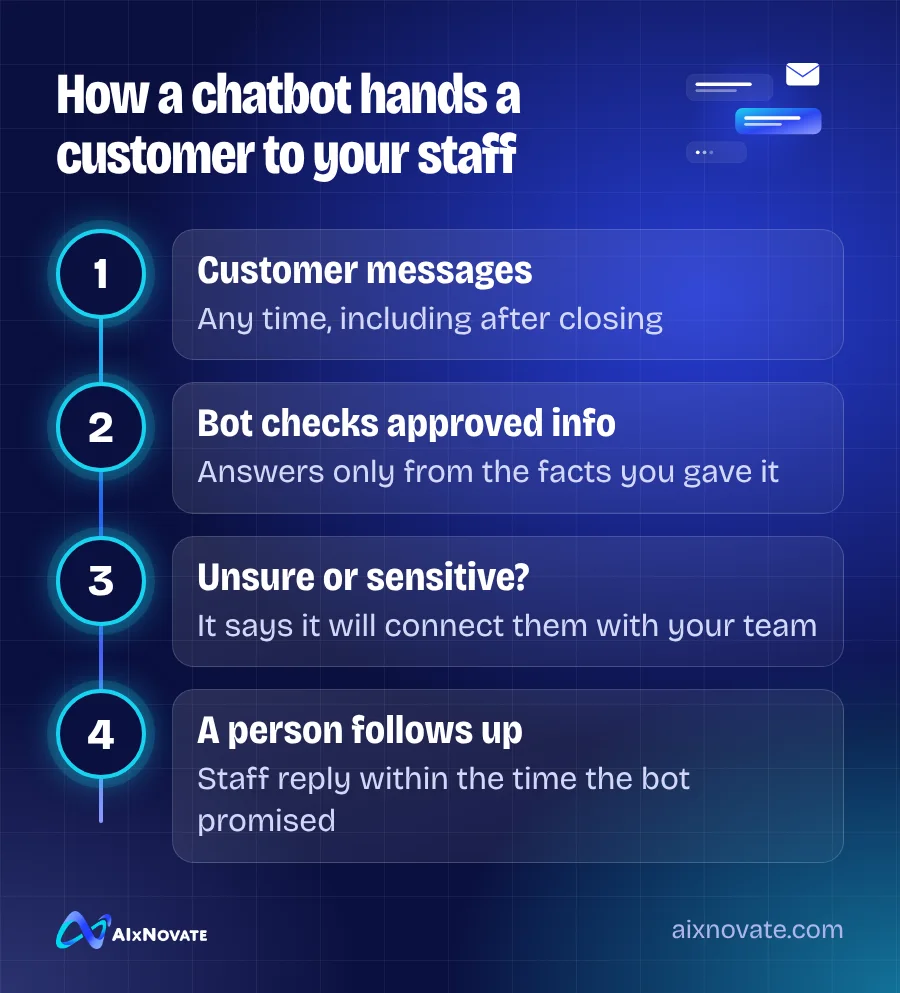
- Restrict the bot to that content. Most tools let you limit answers to your own knowledge base. Turn that on, and tell it to say "I'm not sure, let me connect you with our team" when it doesn't know.
- Set handoff rules. Complaints, refunds, medical questions, custom quotes and anything emotional go to a person, with a clear promise about when they will reply.
- Connect booking carefully. Link to your existing scheduler first. Only allow direct booking once you have tested double-booking and cancellation scenarios.
- Test hard before launch. Have staff ask tricky, rude and off-topic questions in every language you serve.
- Review weekly. Read transcripts, fix wrong answers and add new questions to the knowledge base.
Where the chatbot sits on your site matters too. If it covers your phone number on mobile or pops up before a visitor has read anything, it can hurt more than help. Planning chat, call buttons and booking flows together is part of how we approach website design for local businesses.
Privacy and disclosure for California businesses
Tell people they are chatting with an automated assistant. It sets expectations, builds trust, and in California, rules about bots and consumer disclosure can apply in some situations, so ask your attorney how they affect your setup.
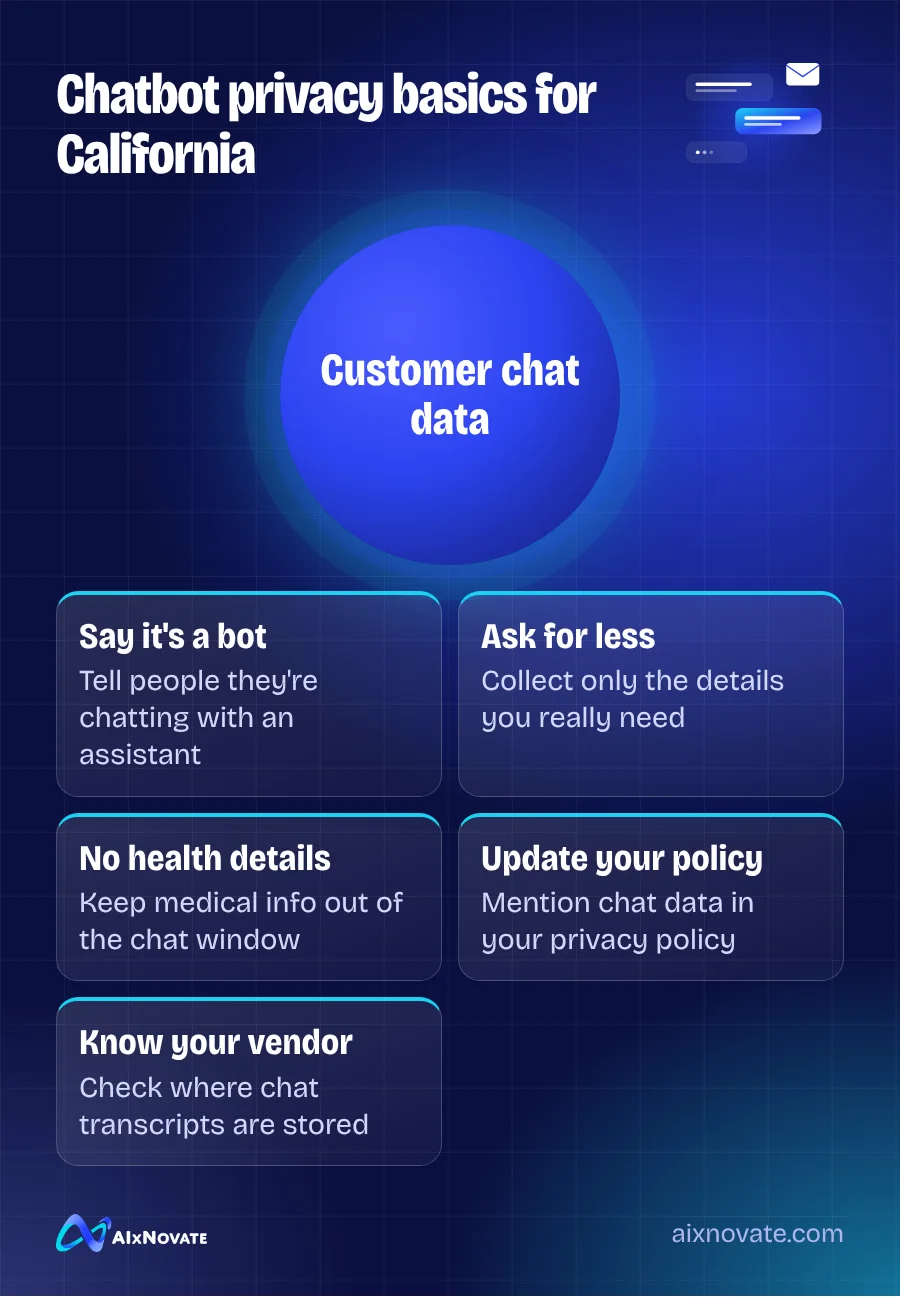
If your chatbot collects names, phone numbers or emails, that is personal information. The California Consumer Privacy Act may apply depending on your business size and activities; the California Attorney General's CCPA page explains who is covered and what rights consumers have. Update your privacy policy to mention chat data, check where your vendor stores transcripts, and avoid collecting health details in chat. This is general information, not legal advice.
Chatbots in Garden Grove and Orange County
Many Garden Grove businesses serve customers in Vietnamese, Spanish, Korean and Chinese as well as English. A chatbot that replies in the customer's language can be genuinely helpful, especially after hours when bilingual staff are off. But machine replies in a second language need extra testing. Have a fluent staff member check the key answers, especially prices, policies and anything about health or contracts.
Also think about who your customers are. Some older customers prefer to call. Keep your phone number visible next to the chat window, and make sure the bot offers it. Automation should add a door, not lock the existing ones.
A chatbot pairs naturally with fast review replies and good listings. See using AI to manage reviews and reputation and our guide to getting more Google reviews in Garden Grove.
Frequently asked questions
Will a chatbot replace my front desk staff?
For most local businesses, no. A chatbot handles repetitive questions and after-hours inquiries so staff can focus on customers in front of them, complex bookings and anyone who is unhappy. Businesses that try to remove humans completely usually see frustrated customers. Think of the bot as a first responder that hands off to your team, not as a replacement.
Can a chatbot book appointments directly?
Many can, through integrations with common booking and scheduling systems. Start by linking to your existing booking page, which is low risk. Turn on direct booking only after testing double-bookings, cancellations, deposits and staff schedules. If your booking rules are complicated, such as different durations per stylist, keep a human in the loop for those cases.
Is it safe to use a chatbot for a med spa or clinic?
It can be, for limited tasks such as hours, location, booking links and general service descriptions approved by your team. It should not assess symptoms, recommend treatments or collect health history in chat. Route clinical questions to licensed staff and review your privacy obligations with a qualified advisor before launch.
If you are weighing a chatbot and want help mapping the questions, handoffs and booking flow, book a free 30-minute consultation, or explore our website design services.