
How to optimize your Google Business Profile in Garden Grove
A field-by-field guide to setting up and maintaining a Google Business Profile for a Garden Grove business, plus a monthly upkeep routine.

To optimize your Google Business Profile in Garden Grove, choose the most accurate primary category, fill in every relevant field, upload real photos, keep hours current, and respond to reviews consistently. These steps help Google understand what you do and help nearby customers choose you over the business next door.
This guide is for owners who already have a profile, or are about to create one, and want a clear checklist. It applies to storefronts like restaurants and salons as well as service-area businesses like contractors and mobile services.
Why your Google Business Profile matters in Garden Grove
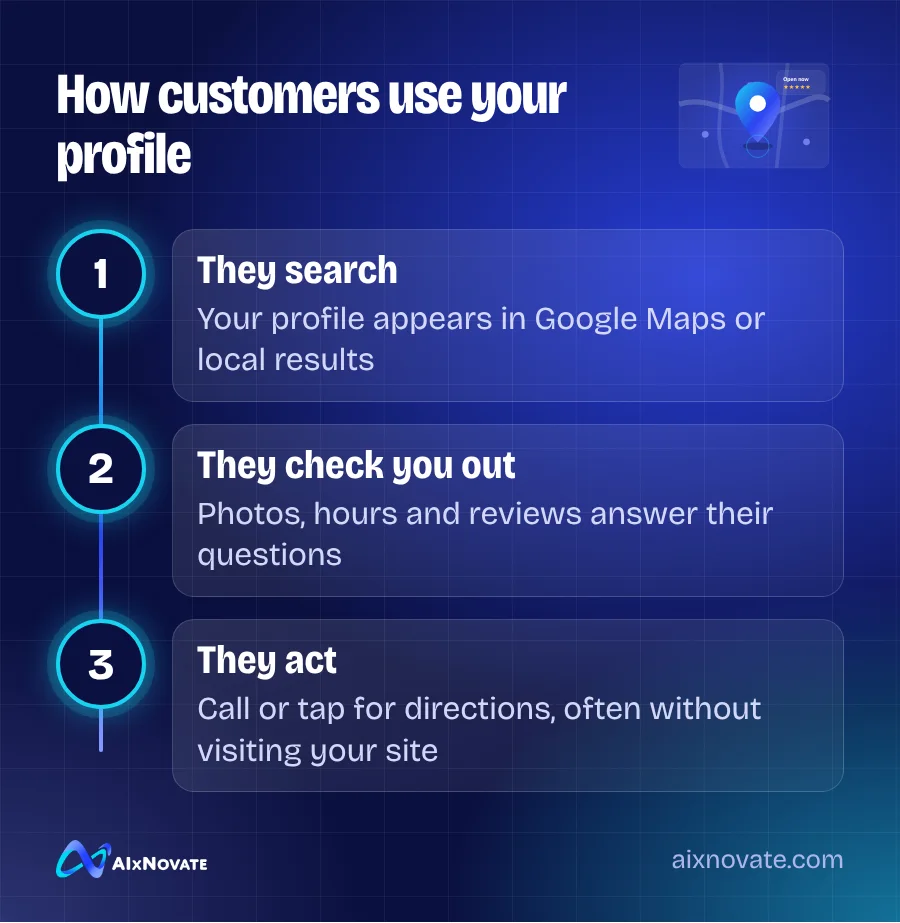
For many local searches, people never reach your website. They see your profile in Google Maps or the local results, check your photos, hours and reviews, and then call or tap for directions. Your profile is often the first and only impression.
Google explains that local results are based mainly on relevance, distance and prominence in its guide on improving your local ranking. A complete, accurate profile directly supports relevance. Reviews and consistent information support prominence.
Set up the core fields correctly
Business name
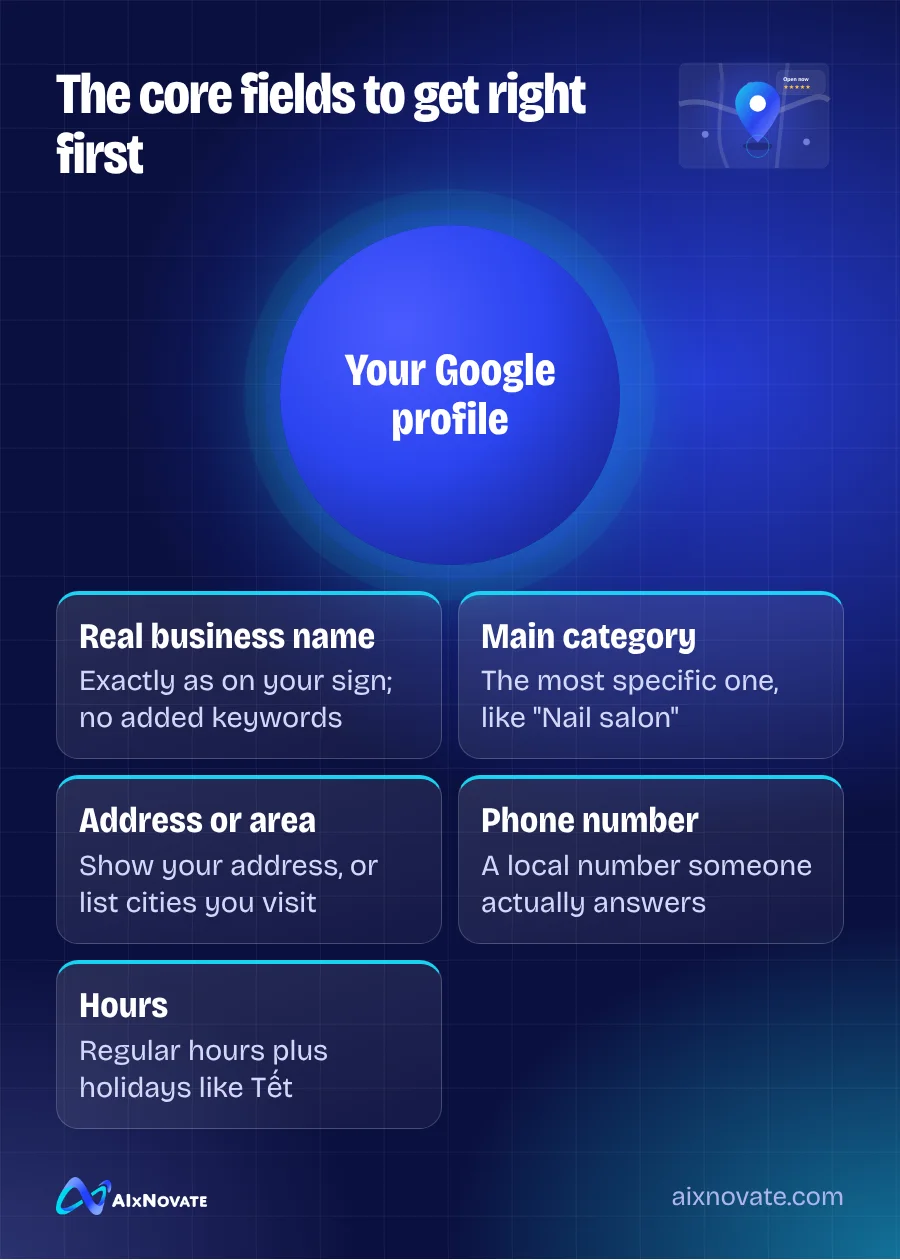
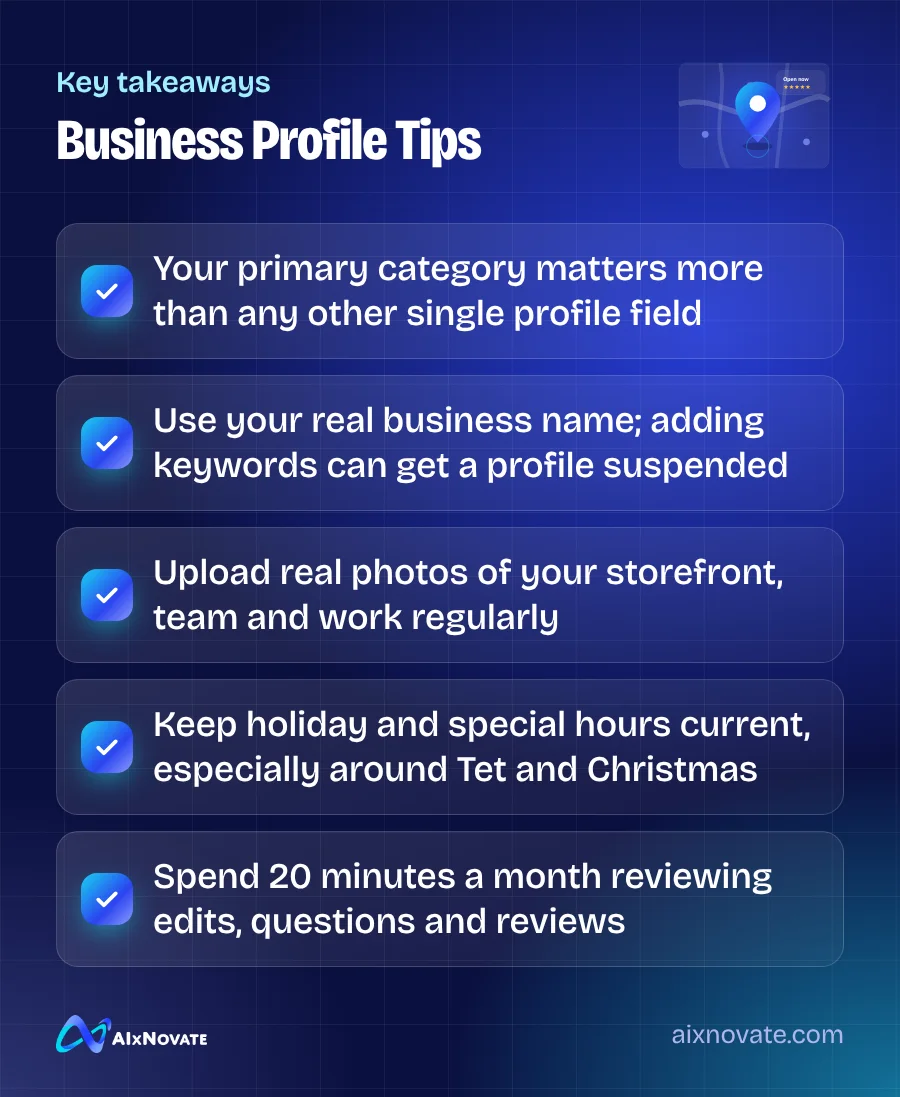
Use your real-world business name exactly as it appears on your sign and paperwork. Adding keywords such as "Best Pho Garden Grove" to the name breaks Google's guidelines and can get the profile suspended. If your sign shows both a Vietnamese and English name, use the name customers actually see.
Primary and secondary categories
The primary category is one of the strongest signals on your profile. Pick the most specific one that describes your main business: "Vietnamese restaurant" rather than "Restaurant," or "Nail salon" rather than "Beauty salon" if nails are your core service. Add secondary categories only for things you truly offer.
A quick way to check: search your main service in Google Maps and look at the categories of the top nearby competitors. You should not copy them blindly, but they show which options exist.
Address or service area
If customers come to you, show your address. If you travel to customers and do not serve them at your location, hide the address and set a service area instead, listing the cities you really cover, such as Garden Grove, Westminster, Fountain Valley and Santa Ana.
Phone, website and hours
Use a local phone number that someone answers. Link to the most relevant page on your website, which is usually your homepage or a location page. Set regular hours, then add special hours for holidays. In Garden Grove, Lunar New Year (Tết) can change hours for many businesses, so update them in advance.
Fill in the fields most owners skip
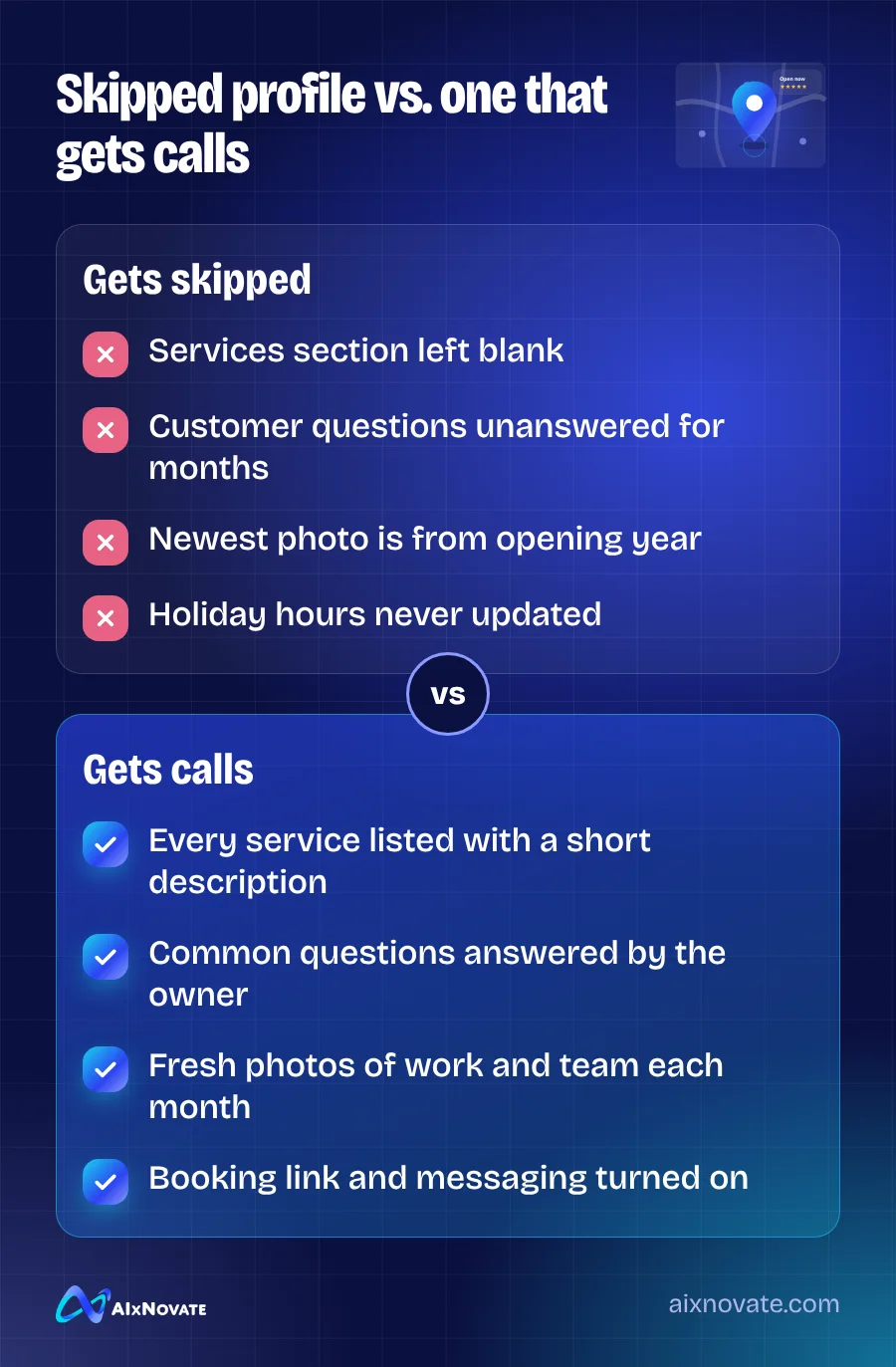
Many profiles stop after the name, address and phone. The remaining fields add detail that helps you match more specific searches.
- Services or menu. List each service with a short description. A salon might list gel manicure, dip powder, pedicure and waxing separately. A restaurant can add menu items or link to an online menu.
- Products. Retailers and bakeries can add featured products with photos and prices.
- Attributes. Mark features like wheelchair-accessible entrance, outdoor seating, free Wi-Fi, accepts credit cards, or "Identifies as Asian-owned" or "women-owned" where accurate. Customers filter by these.
- Business description. Use the space to explain what you do, who you serve, and what makes you different. Mention languages your staff speak, for example "Our team speaks English, Vietnamese and Spanish."
- Opening date. Useful for credibility if you have been in Garden Grove for years.
Photos and posts that actually help
Photos answer questions before customers ask them. Is there parking? What does the dining room look like? Is the salon clean? Upload a mix of:
- Exterior shots from the street, so people recognize you when they drive up
- Interior shots in good light
- Your team at work, with permission
- Your products, dishes or finished projects
- Your parking lot or entrance if they are hard to find
Use real photos from your phone rather than stock images. Add new ones every month or two so the profile looks active. Posts are useful for limited-time offers, seasonal menus and event announcements. Keep them short, with one clear action.
Garden Grove specifics worth getting right
A few local details come up again and again when we review profiles for businesses in Garden Grove and nearby Westminster.
- Shopping center addresses. Many businesses sit inside plazas along Brookhurst Street, Magnolia Street and Garden Grove Boulevard. Include the suite number and make sure the map pin sits on your actual unit, not the center of the parking lot.
- Two names, one business. If your sign shows a Vietnamese or Korean name with an English name, keep the same format across Google, Apple Maps and Yelp so the listings match.
- Multilingual reviews. Reply in the reviewer's language when possible. It reads naturally to customers and shows Google that you serve that community.
- Tourist traffic. Businesses near the Harbor Boulevard resort area see visitors searching on their phones. Make sure hours, menus and directions are accurate for people who have never been to the area.
Google also maintains guidance on how to establish your business details across Search and Maps, which is worth reading once.
A 20-minute monthly upkeep routine
- Open your profile and check that the name, hours, phone and website are still correct. Google and the public can suggest edits, and some get applied automatically.
- Read and reply to every new review.
- Upload three to five new photos.
- Publish one post about an offer, event or new service.
- Check the performance data: calls, direction requests and website clicks. Note any big changes.
- Add any upcoming holiday hours.
Reviews deserve their own plan. Our guide to earning more Google reviews in Garden Grove covers how to ask without breaking the rules. Once Google is in order, copy the same details to Apple Business Connect, Bing, Yelp and other platforms, using exactly the same name, address and phone. If replies are piling up, our guide to using AI to manage reviews and reputation shows how to answer faster without sounding canned.
Frequently asked questions
Can I have more than one Google Business Profile?
You can have one profile per real physical location that is staffed during business hours. A business with two storefronts, for example one in Garden Grove and one in Westminster, can have two profiles. Creating extra profiles for virtual offices, P.O. boxes or the same location under different names breaks Google's guidelines and can lead to suspension.
Why did my profile information change without my approval?
Google accepts suggested edits from users and its own data sources, and sometimes applies them automatically. That is why a monthly check matters. If you see an incorrect change, edit it back in your profile dashboard. Keeping your website, listings and signage consistent makes it less likely that Google will trust an incorrect suggestion.
Does my Google Business Profile affect AI search results?
AI-generated answers about local businesses often draw on the same information that powers Maps and local results: categories, reviews, hours and descriptions. A complete, accurate profile makes it easier for these systems to describe you correctly. Our guide on getting your business recommended by ChatGPT and Google AI goes deeper.
Should I write my business description in Vietnamese or English?
Write the main description in the language most of your customers use when searching, usually English, and mention the other languages your staff speak. Google shows the description as written, so keep it clear and natural. Vietnamese and Spanish speakers often search in English too, so stating "we speak Vietnamese" helps both groups.
For the bigger picture, read our broader Garden Grove SEO guide. If you would like your profile checked line by line, you can book a free consultation; profile work is part of our local SEO and Answer Engine Optimization service.