
Website design for Garden Grove small businesses: what to include
The pages, features and technical basics every Garden Grove small business website needs, with a launch checklist you can use with any designer.
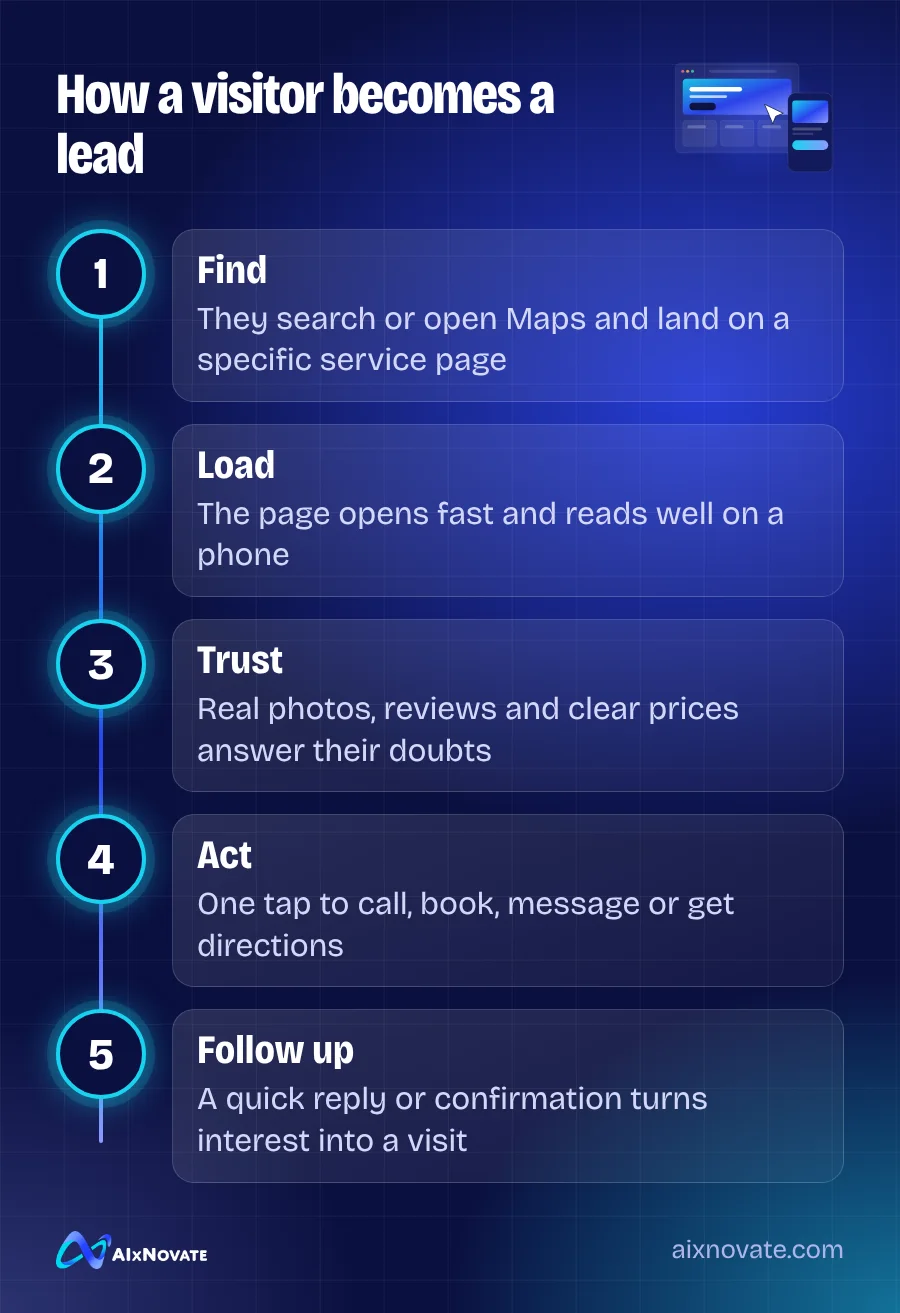
Good website design for a Garden Grove small business starts with a clear homepage, one page per main service, an about page, a contact page with a map, and visible phone, hours and address on every page. It must load quickly on a phone, be easy to read and navigate, and make the next step, calling, booking or visiting, obvious.
This article is for owners planning a new site or replacing an old one. Use it to brief a designer, compare quotes, or check what your current site is missing. The goal is not a fancy site. It is a site that turns local visitors into customers.
Start with what visitors need to do
Before choosing colors or templates, write down the three actions you want visitors to take. For a restaurant it might be view the menu, order online and get directions. For a law office it might be call, read about practice areas and book a consultation. For a contractor it might be see past work, request a quote and check service areas.
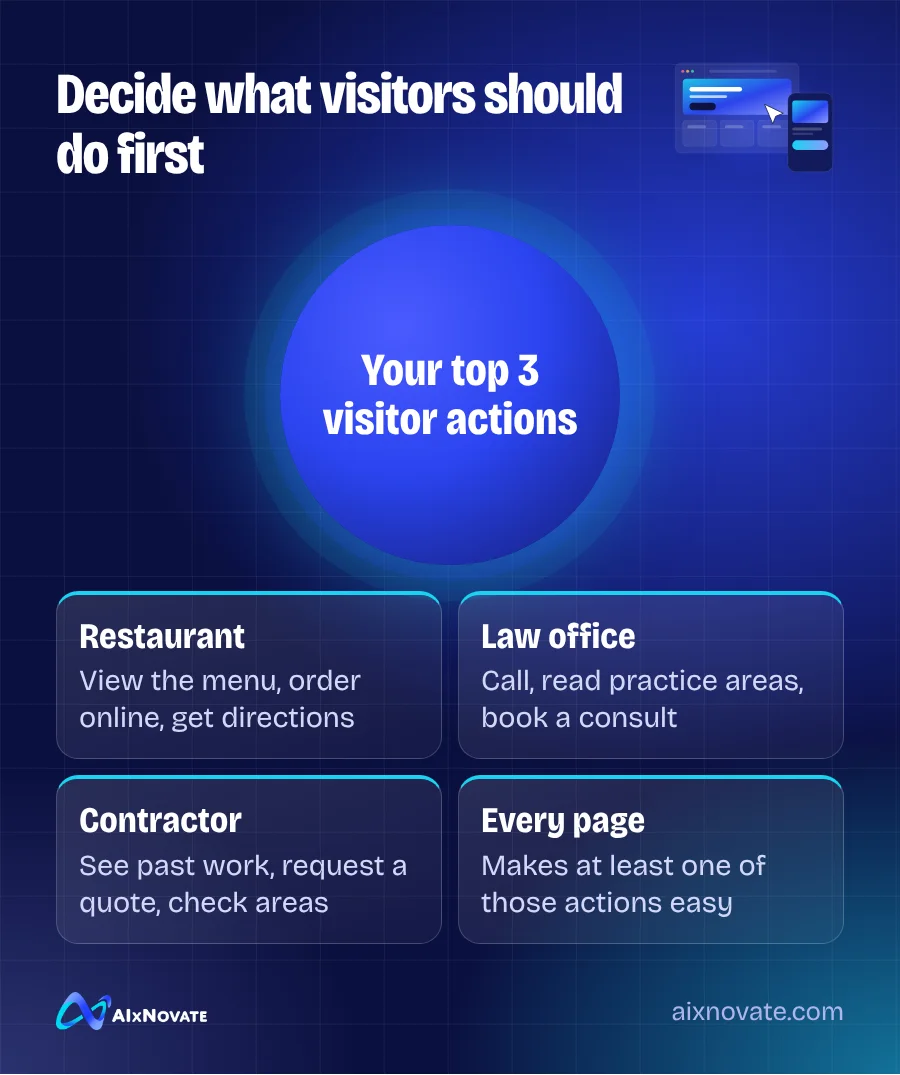
Every page should make at least one of those actions easy. If a visitor has to scroll through three screens to find your phone number, the design has failed, no matter how it looks.
The pages every local business site should have
| Page | Main job | Must include |
|---|---|---|
| Homepage | Say what you do and where, in seconds | One-line summary, main services, call and booking buttons, reviews |
| Service pages | Answer questions about one service | Description, process, price guidance, FAQs, call to action |
| About | Build trust | Your story, team photos, years in business, languages spoken |
| Contact / location | Help people reach you | Address, map, parking notes, hours, phone, form |
| Gallery or projects | Show proof of quality | Real photos with short captions |
| Privacy policy | Explain data use | What forms and tracking collect, and how to contact you |
A restaurant swaps service pages for a menu page. A retailer may add product or category pages. But the structure stays similar: clear entry points, clear next steps.
Design for the phone first
Local customers usually find you on their phones, often while already out. Design the mobile version first and then expand it for desktop, not the other way around.
- Tap-to-call button that stays visible, ideally at the top or bottom of the screen
- Directions link that opens the phone's map app
- Readable text without zooming, with enough contrast against the background
- Buttons large enough to tap with a thumb, with space between them
- Short forms. Ask only for what you need: name, phone or email, and a message
Test the site on an older phone over cellular data, not just on a new laptop in the office. That is closer to how many of your customers will see it.
Speed, accessibility and search basics
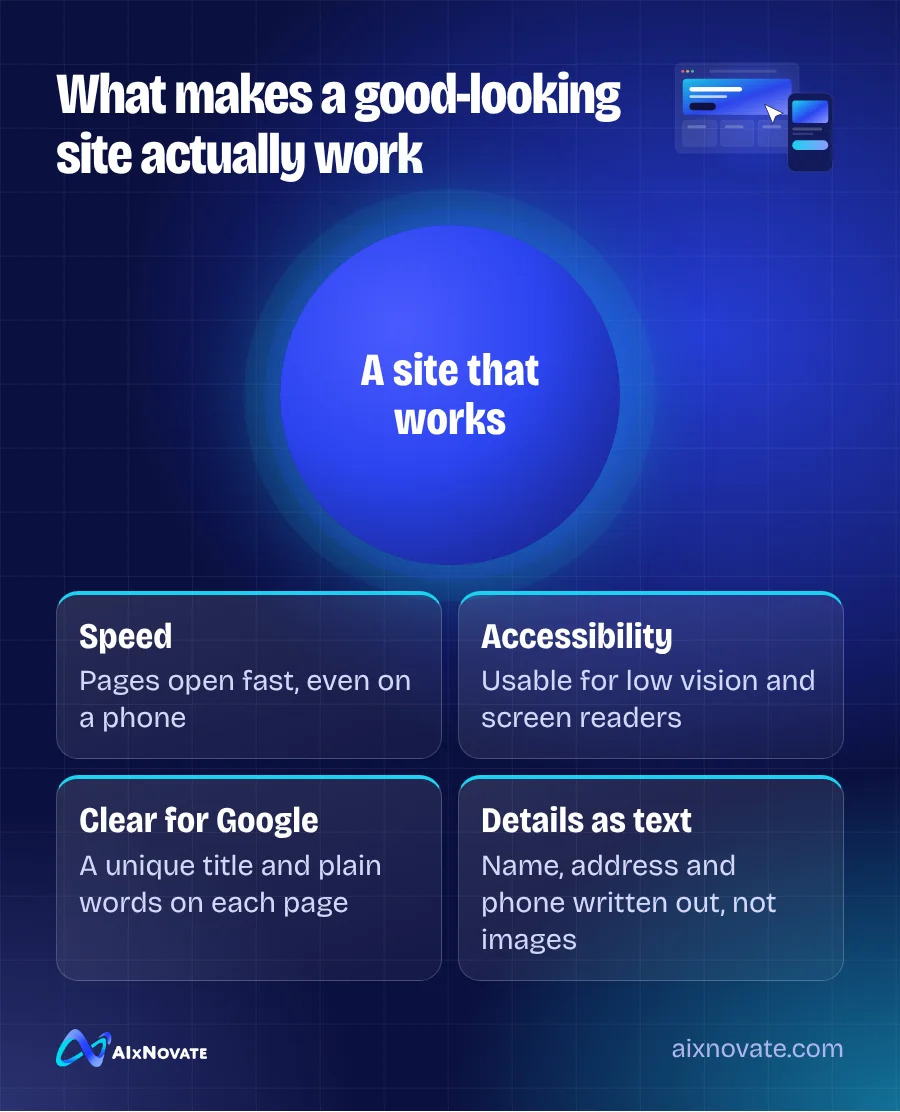
Three technical areas decide whether a nice-looking site actually works.
Speed
Large images and heavy plugins are the usual culprits. Google's Web Vitals explain the measures that matter, and you can test any page for free with PageSpeed Insights. A slow page is also one of the common reasons covered in our guide to fixing a website that gets visitors but no leads.
Accessibility
Customers with low vision, older relatives, and people using screen readers all need to use your site. Build in good color contrast, descriptive image text, labeled form fields and keyboard navigation from the start. The W3C WCAG overview is the standard reference. If you are fixing an existing site, start with contrast, form labels and image descriptions, since they affect the most visitors.
Search basics
Each page needs a unique title and description, one main heading, and text that describes the service in plain words. Your name, address and phone should be written as text, ideally with LocalBusiness structured data added by your developer.
Website design for Garden Grove customers
Garden Grove is a multilingual city, and your site should reflect who actually walks through your door. A few practical decisions to make early:
- Languages. If many customers prefer Vietnamese, Spanish or Korean, plan translated pages from the start, with a visible language switcher. Adding them later often means rebuilding navigation. Our guide to bilingual Vietnamese and English marketing covers how to set up language versions.
- Fonts that support Vietnamese. Some decorative fonts do not display Vietnamese diacritics correctly. Check every heading and button in Vietnamese before launch.
- Parking and directions. Many local businesses sit in busy plazas. A sentence like "Enter from Brookhurst; we're next to the bakery" saves frustrated phone calls.
- Trust signals. Show real team photos, your years serving the community, and reviews. Many first-time customers look at a website to confirm a business is real and current before they call.
Your website launch checklist
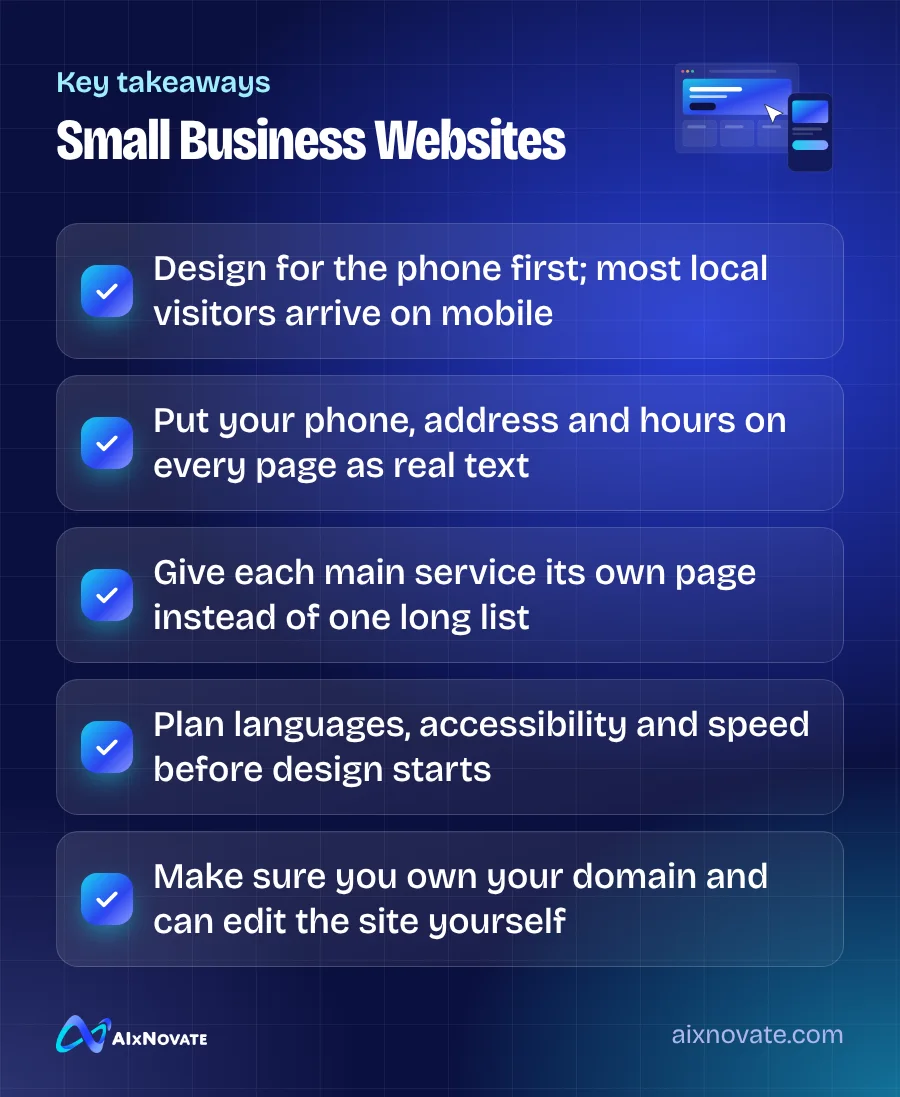
- Confirm you own the domain name and have the login to your hosting and website editor.
- Check that every page has your phone number, address and hours in the footer.
- Tap every phone number, email link and button on a real phone.
- Submit each form and confirm the message arrives where it should.
- Run your homepage and one service page through PageSpeed Insights.
- Check every image has descriptive alt text, and every page has one main heading.
- Review translated pages with a native speaker.
- Connect Google Search Console and submit your sitemap.
- Update your Google Business Profile and other listings with the new website link.
- Set up redirects from old page addresses so existing links and bookmarks still work.
If time or budget is tight, a well-built template can be a sensible starting point, as long as you can still edit it and you own the domain. Looking through a set of website templates for local businesses is a quick way to see which layouts put calls and bookings first.
Frequently asked questions
How many pages does a small business website need?
Most local businesses do well with six to fifteen pages: a homepage, one page for each main service, an about page, a contact page, a gallery or reviews page and a privacy policy. Quality matters more than quantity. One detailed page per service usually performs better than a large number of thin pages that say almost nothing.
Should I use a website builder or a custom design?
A builder or template works well if your needs are simple and you want to update content yourself. Custom design makes sense when you need booking integrations, multiple languages, complex menus or a distinct brand. Either way, make sure you own your domain, can export your content, and are not locked into a provider you cannot leave.
How often should I update my website?
Check hours, prices and contact details whenever they change, and review the whole site at least twice a year. Add new photos, services and answers to common questions as they come up. A site that clearly reflects your current business builds more trust than one with an old promotion still on the homepage.
If you would like help mapping out the pages and features you need, you can book a free 30-minute consultation or read how we approach website design projects.