
Your website gets visitors but no leads: how to fix it
Traffic is up but the inbox is empty? Here is how to find where website visitors drop off and the page fixes that turn them into calls and bookings.
When a website gets visitors but no leads, the usual causes are traffic that is not local or relevant, pages that do not make the next step obvious, forms or phone links that are broken or hard to use on mobile, and too little proof that you are trustworthy. Check the traffic first, then fix the page: one service, one clear action, visible proof, fast load.
This guide is for owners who see visitors in their analytics, or have been told traffic is "up," yet the phone and inbox stay quiet. You can run most of these checks yourself in an hour, and many fixes do not require a full redesign.
"People visit, but nobody calls"
It is frustrating to pay for a website, maybe even for ads or SEO, and watch visitor numbers rise while leads stay flat. It can feel like the site is broken or the traffic is fake.
Often neither is true. The site works technically, but it was built to look good rather than to guide a visitor from "I need this" to "I am calling." Small, specific changes usually matter more than a new look.
Step 1: check whether the traffic is the right traffic
Before changing your pages, look at who is visiting. Open Google Search Console and review the search queries that bring people in.
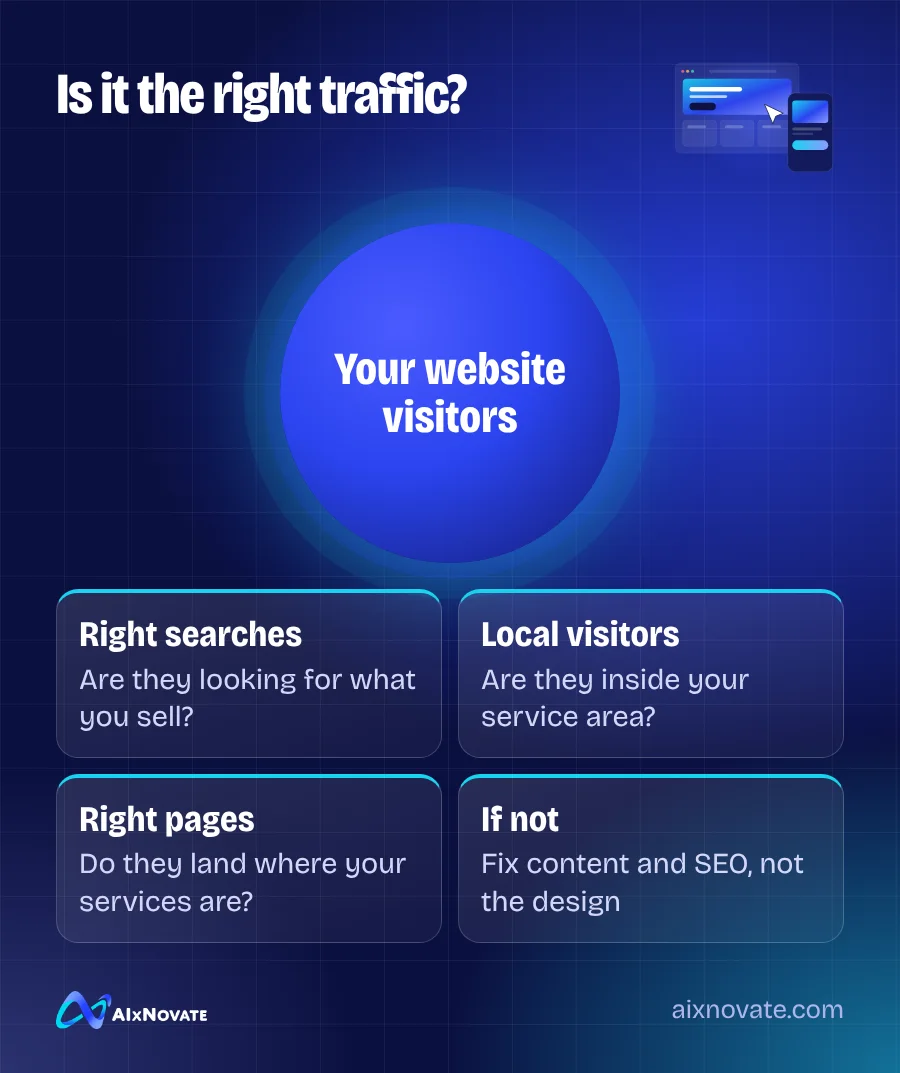
- Are the queries about what you sell? A blog post about "how to clean a fountain pen" might bring visitors who will never book a repair.
- Are visitors local? Check location data in your analytics. Traffic from far outside your service area rarely turns into calls for a local business.
- Which pages get the traffic? If visitors land on an old post and never see your services, that page needs a clear path to them.
If the traffic is mostly irrelevant, the fix is in content and SEO, not design. If it looks right, keep going.
Step 2: find where website visitors drop off with no leads
Open your most visited service page on your phone and act like a new customer. Time how long it takes to answer these questions:
- What does this business do?
- Do they serve my area?
- Roughly what will it cost, or how do I get a quote?
- Why should I trust them?
- How do I contact them right now?
Then repeat the test on a desktop computer and on an older or smaller phone if you have one. Problems such as a chat window covering the call button, or a menu that will not close, often appear only on certain screens. Write down every moment you felt confused or had to hunt for something.
If any answer requires scrolling through paragraphs or opening a menu, that is a drop-off point. Ask a friend who has never seen the site to do the same test; owners know their site too well to see its gaps.
Step 3: fix the page, in order of impact
Make the next step obvious
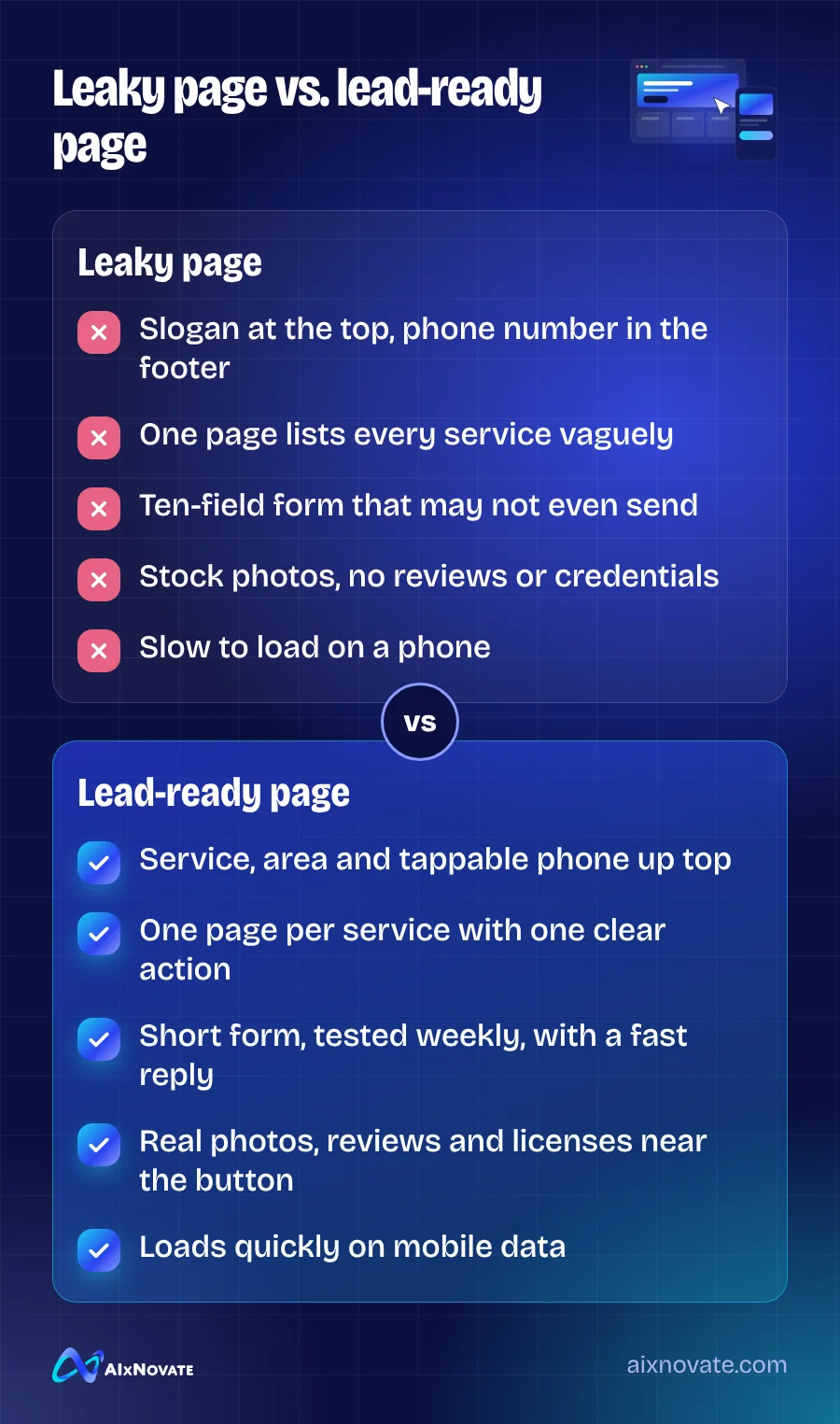
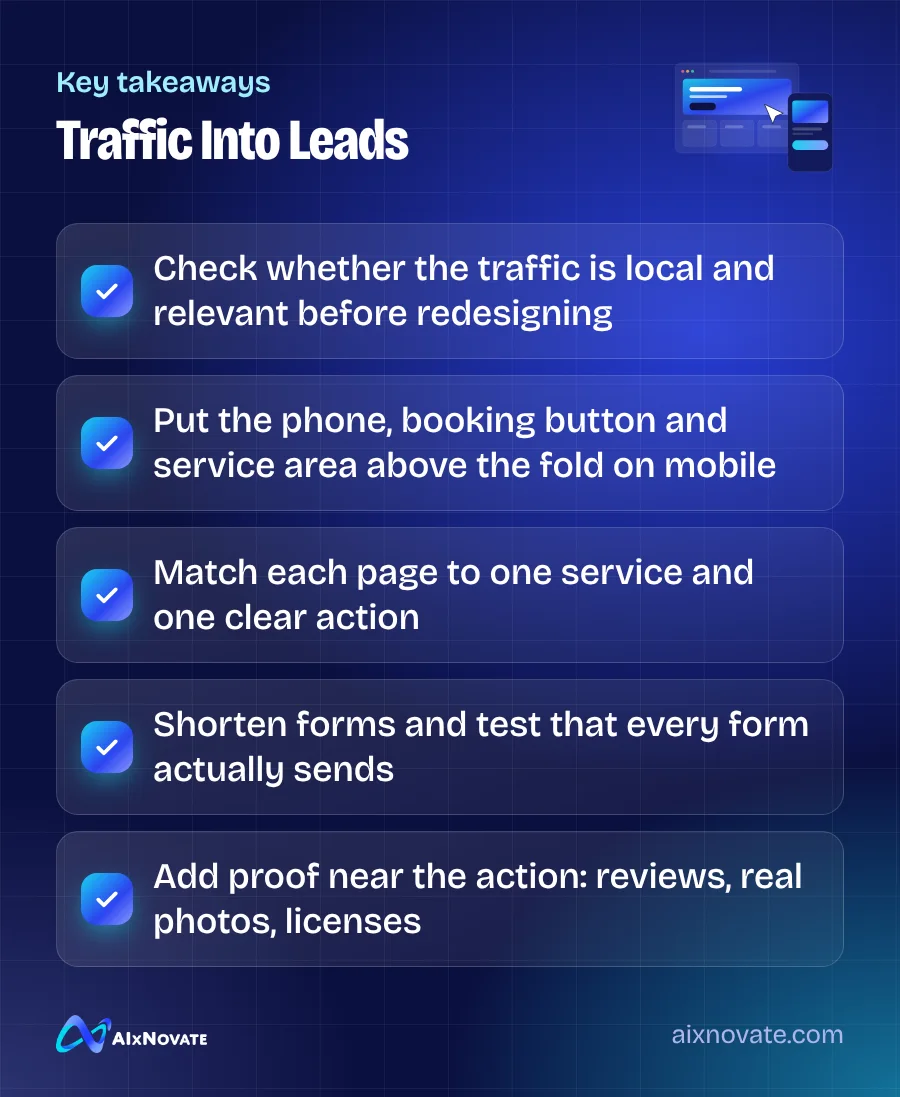
Put a tappable phone number and a booking or quote button near the top of every service page. Repeat it after key sections. Use plain labels such as "Call now" or "Book an appointment."
One page per service
A single "Services" page listing everything gives search engines and visitors little to work with. A dedicated page for each main service, with the area you serve, lets the page match what people searched for. Our guide to website design for Garden Grove small businesses explains how to structure them.
Simplify and test your forms
Ask only for what you need to respond: name, phone or email, and a short message. Then send a test submission every week. Forms that silently stop delivering are more common than most owners expect.
Add proof near the action
Place a few real reviews, photos of your team and work, licenses or certifications close to the contact button. People decide whether to trust you in seconds.
Speed and accessibility
Test the page in PageSpeed Insights and fix the largest issues. Make sure buttons are large enough to tap and text has enough contrast; the W3C WCAG overview explains the accessibility principles that also make pages easier for everyone to use.
Step 4: give visitors a way to reach you after hours
Many people browse in the evening. If your only option is a phone that goes unanswered, offer a booking link, a simple form with a promised response time, or a chat tool. Our article on AI chatbots for local businesses discusses when automated replies help and when they get in the way.
If your visitors come from ads, also check that the ad and the page say the same thing. We cover that mismatch in seven reasons ads bring no phone calls.
Local details that build trust in Orange County
For Orange County customers, local signals reassure quickly. Name the cities you serve, such as Garden Grove, Westminster, Santa Ana and Anaheim, but only the ones you actually serve. Show your real address or service area, parking notes and hours.
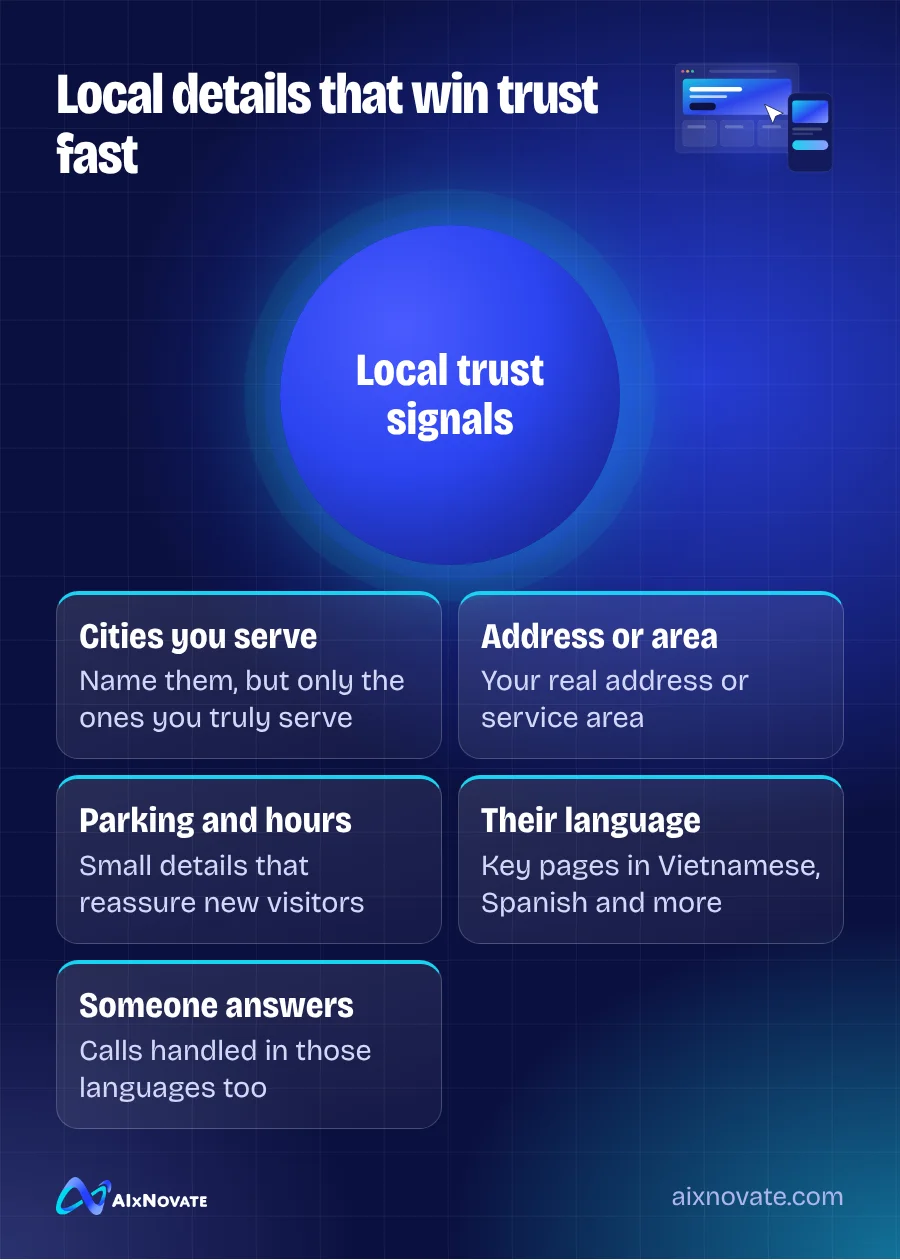
If many customers prefer Vietnamese, Spanish, Korean or Chinese, provide key pages in those languages, and make sure someone can answer calls in them. A form in English only may be the quiet reason some visitors leave.
Measure the change
Before you edit anything, write down how many calls, form submissions and bookings came from the website last month. After the fixes, track the same numbers for the next month. Change a few things at a time so you can see which ones made a difference, and keep the changes that work.
If you would rather start from a proven layout than redesign from scratch, our website templates are built around these lead-ready patterns.
Frequently asked questions
Why does my website get traffic but no leads?
Common reasons include visitors who are not local or not looking for your service, pages without a clear call or booking button, forms that are long or broken, slow mobile loading, and missing proof such as reviews or real photos. Check the search queries bringing visitors first, then test your top service page on a phone as if you were a new customer.
Do I need a new website to get more leads?
Not always. Many sites improve noticeably with targeted fixes: a tappable phone number at the top, one page per service, shorter forms, real reviews near the contact button, and faster loading. A redesign makes sense when the site cannot be edited easily, is very slow, or does not work well on phones.
How can I tell if my contact form is working?
Submit a test entry yourself every week and confirm it arrives in the right inbox, including the spam folder. Also check that the confirmation message appears after submitting. If you use a form plugin, look at its submission log. Forms can stop delivering after updates or email changes without any visible error on the site.
If you want an outside review of your site, you can book a free consultation with AIxNovate or learn about our website design services for local businesses.